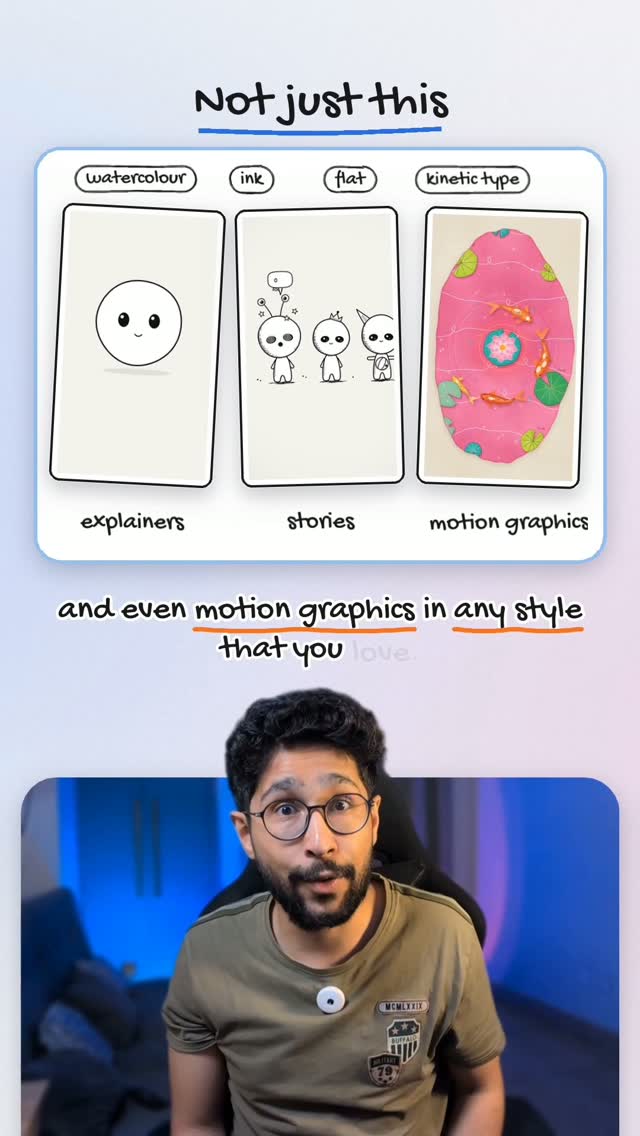
The guide behind the reel
How to Create Videos With Claude (Reference Style)
By the end, you will have Claude generate a video in an animation or art style you pick as a reference. You will also know exactly what to set for model and effort so you get better output. This is a simple flow, but the reference step matters most.
What you need
3 things- Claude account
- The Claude skill file (from the link below)
- A reference animation or art style you like (from Pinterest or any other website)
The steps
6 steps-
Open Claude
Start in Claude so you can use the skill and run the video request.
-
Install the skill in Claude
Ask Claude to install this skill.
https://drive.google.com/file/d/1KEb3yuYOSxtPHxYDL0M8Zi02WXosfJEh/view?usp=sharing
-
Pick an animation or art style you like
Go to Pinterest or any other website to find an animation or art style you like.
-
Upload the style to Claude and give it your idea
Upload that style on Claude as a reference. And use the skill you installed. Give it any idea you want so it can create the video for you in your reference style.
-
Set model and effort for the generation
Keep the model at Opus 5.5 and set the effort to high.
- Model:
Opus 5.5 - Effort:
high
- Model:
-
Get the final video
And that’s it! You’ll get the final video.
That is the whole thing
If a step did not work the way I said, tell me in the comments on the reel: I fix these.