The guide behind the post
Create animated AI videos with Claude
You will create a doodle-style story video without doing any AI video or image generation. You will use Claude Code to draw each frame from code, so your visuals stay controlled. By the end, you will have a final video result and a repeatable flow for new story ideas.
What you need
5 things- Claude Code installed
- Access to the Claude Code skill installer
- The anidoodle skill link: github.com/alexgreensh/anidoodle
- A story idea to turn into frames
- Claude model selection set to Opus 5.5
The steps
4 steps-
Open Claude Code and install the Anidoodle skill
First, open Claude Code.
Then paste the link and install the skill.
- github.com/alexgreensh/anidoodle
- install this skill
-
Give Claude your story idea
Now give Claude your story idea. Type something like the examples below.
Also make sure you choose Opus 5.5 model.
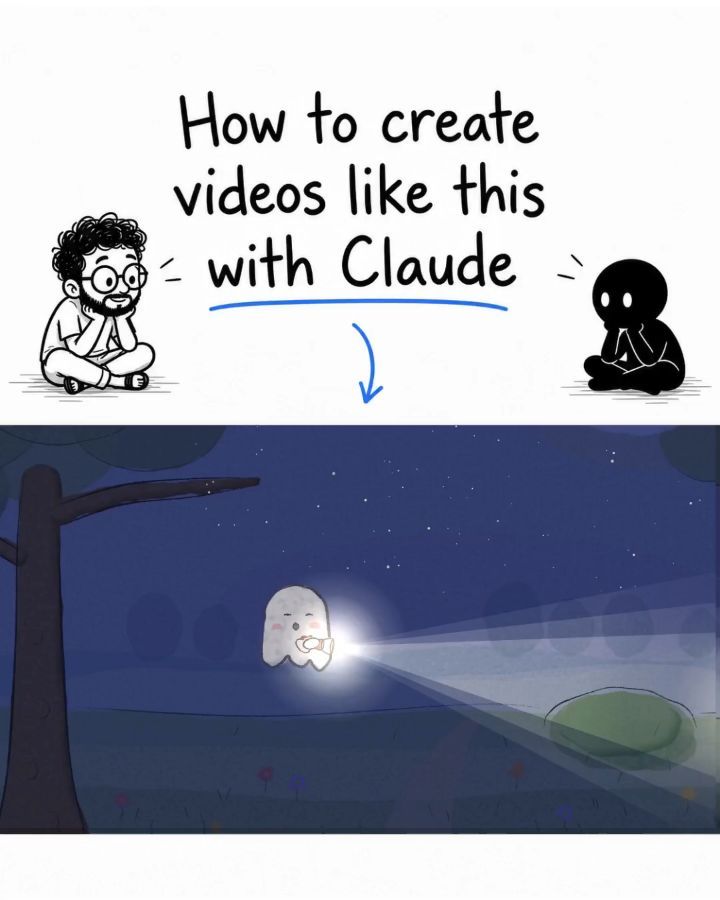
Use /anidoodle to create a video about The little ghost who was scared of the dark.
A tiny ghost carries a flashlight everywhere because it's afraid of the dark. One night, its flashlight dies, and the fireflies come to help.
Use /anidoodle to create a video about  The dinosaur who wanted to be a butterfly
A tiny dinosaur makes itself wings out of leaves and tries to fly. After failing all day, a flock of butterflies lifts it into the sky.
Use /anidoodle to create a video about  The bear who knitted winter
A little bear notices that winter hasn't arrived. So it knits a giant white blanket and slowly covers the forest in snow.
-
Let Claude draw every frame using code
Claude will draw every frame using code. There is no AI video generation and no image generation needed.
-
Export the final result and keep the slide clean
Finally, use the finished output as your result.
That is the whole thing
If a step did not work the way I said, tell me in the comments on the post: I fix these.